Skip to content

Engineering Tools

Specify, size, and configure HIWIN products in minutes. Both tools are free to use and work together: size your application first, then send the results straight to the Configurator.

Two people work at a computer showing a technical diagram. One person points at the screen, while the other holds an electronic device with visible sensors and wires in the foreground.

HIWIN Sizing Tool

Automates the engineering calculations needed to specify our products, enabling quick results and efficient what-if studies. It generates a sortable list of products that meet your requirements, with exportable results to the Configurator.

Available for

  • Linear Guideways
  • Linear Motor Components
  • Torque Motor Components
  • LMSSA & LMXK Series
Open Sizing Tool
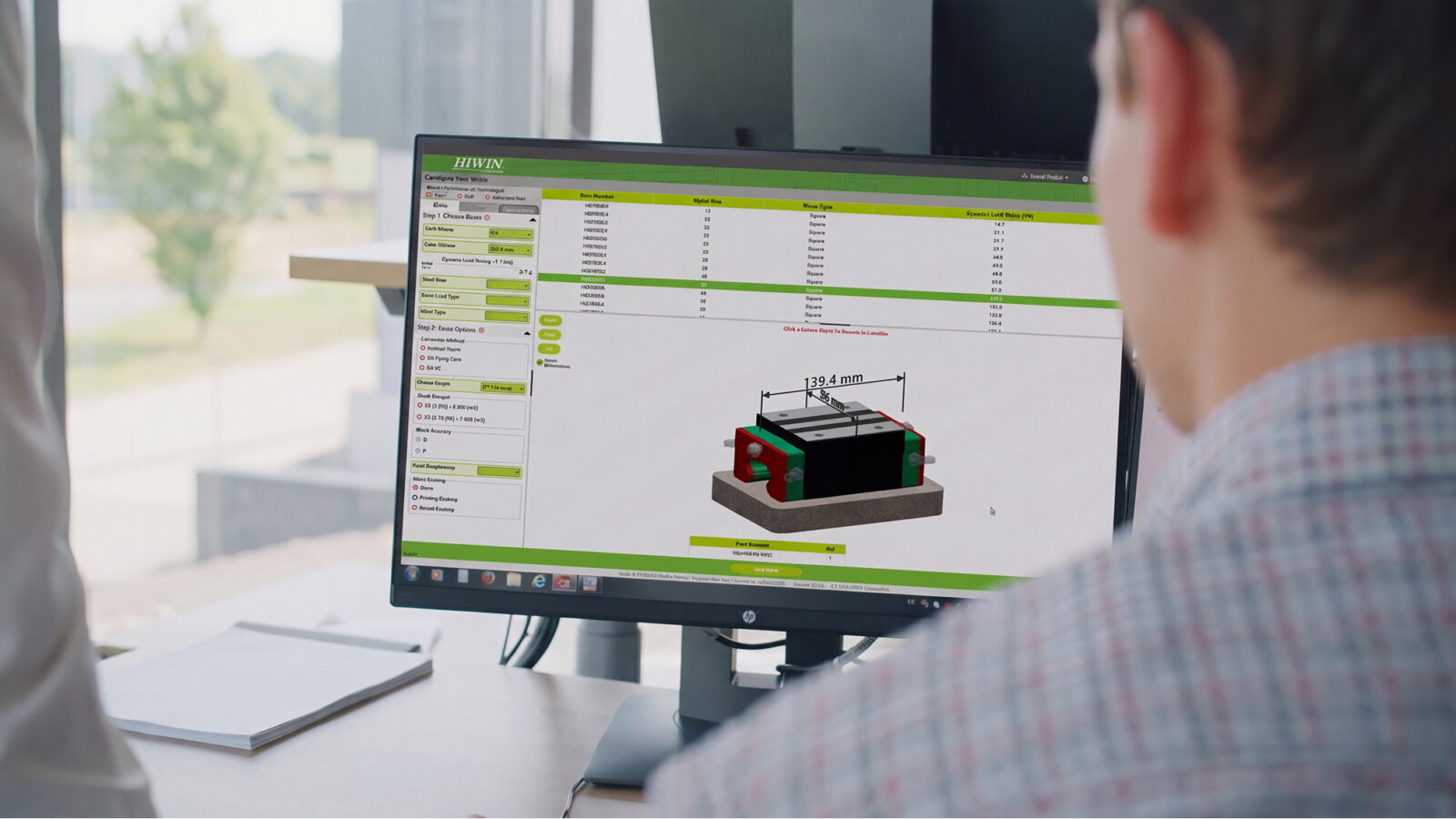
A person views a computer monitor displaying a 3D technical drawing with dimensions and specifications for a rectangular component. The interface features green and white colors, and there is a window in the background.

HIWIN Configurator

Generates complete part numbers, 3D CAD models, detailed drawings, and specifications. No CAD experience necessary. It can be used in conjunction with the Sizing Tool or standalone.


Available for

  • Linear Guideways
  • Ballscrews
  • Linear Motor Components
  • LMSSA Series
  • Crossed Roller Bearings
  • DATORKER Strain Wave Gears
  • KK Series Ballscrew Stages
Open Configurator
A persons hands install a metal bearing onto a long, cylindrical metal rod in a workshop or industrial setting. Shelves and equipment appear blurred in the background.

Ready to get started?

Find the right HIWIN solution for your application.